Music.
Artwork, scrubbing, favorites, output device, volume and an Explicit or Lossless badge.
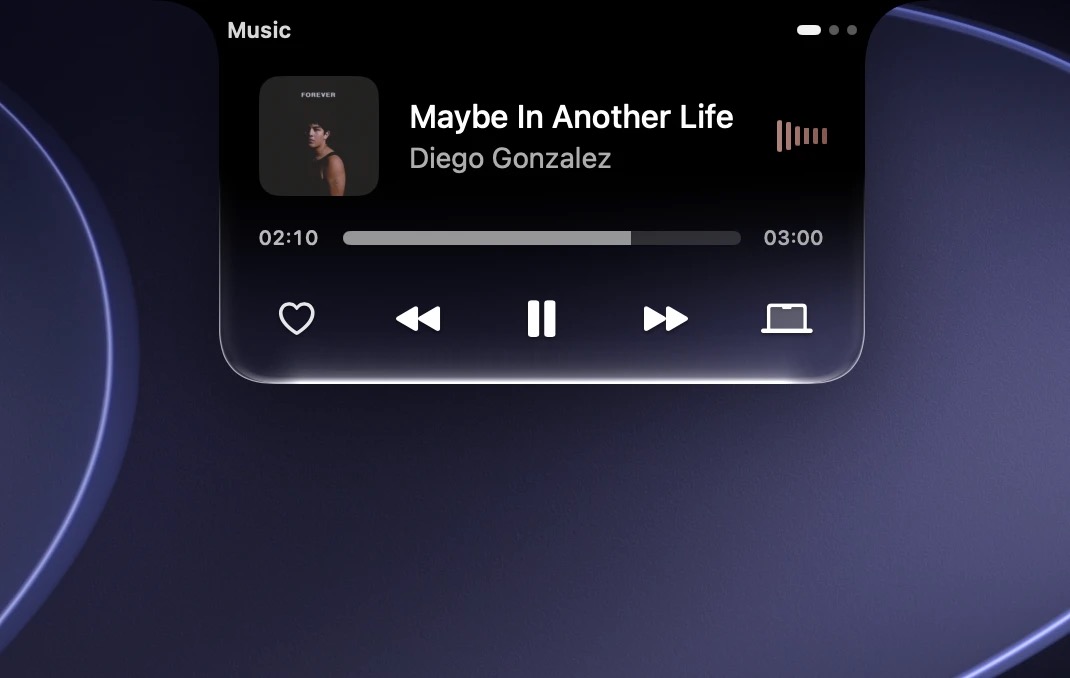

Music, volume, files and your devices. All living right under your MacBook’s camera.
macOS 26 or later · Apple silicon and Intel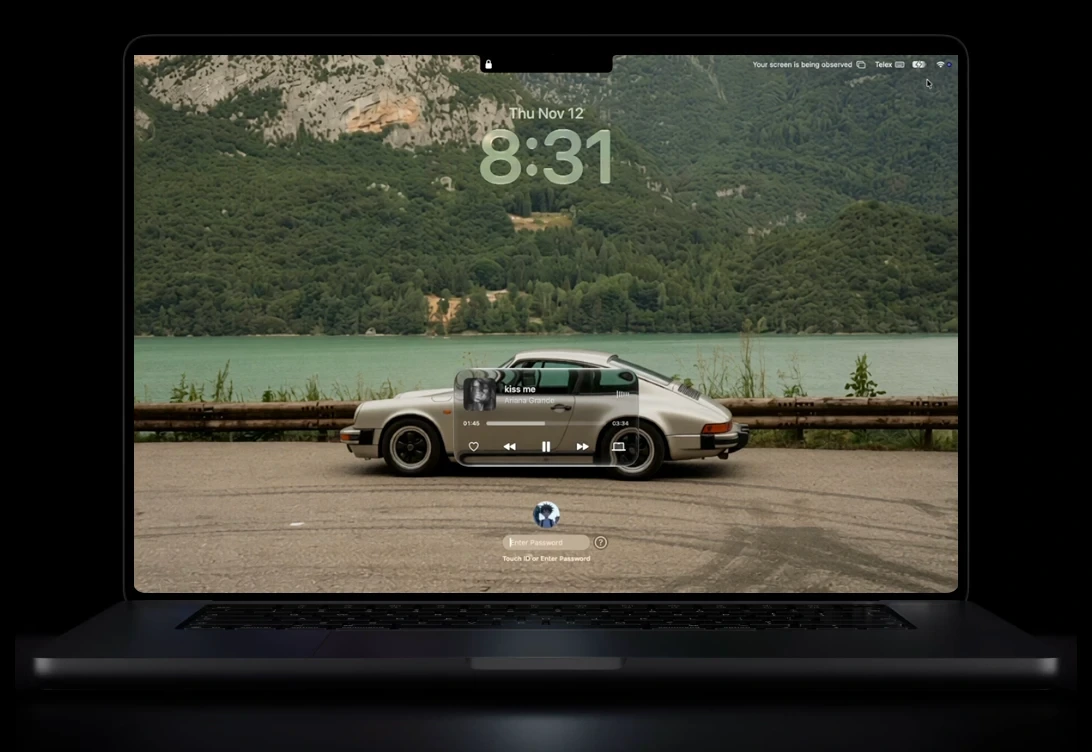
The notch used to be a black gap. Flowy turns it into the place where you see what’s playing, change the volume, keep files and check your AirPods, without opening another window.
Artwork, scrubbing, skip, favorite and volume. Works with Apple Music, Spotify and most players.
Press a volume or brightness key. The level shows in the notch instead of the macOS overlay.
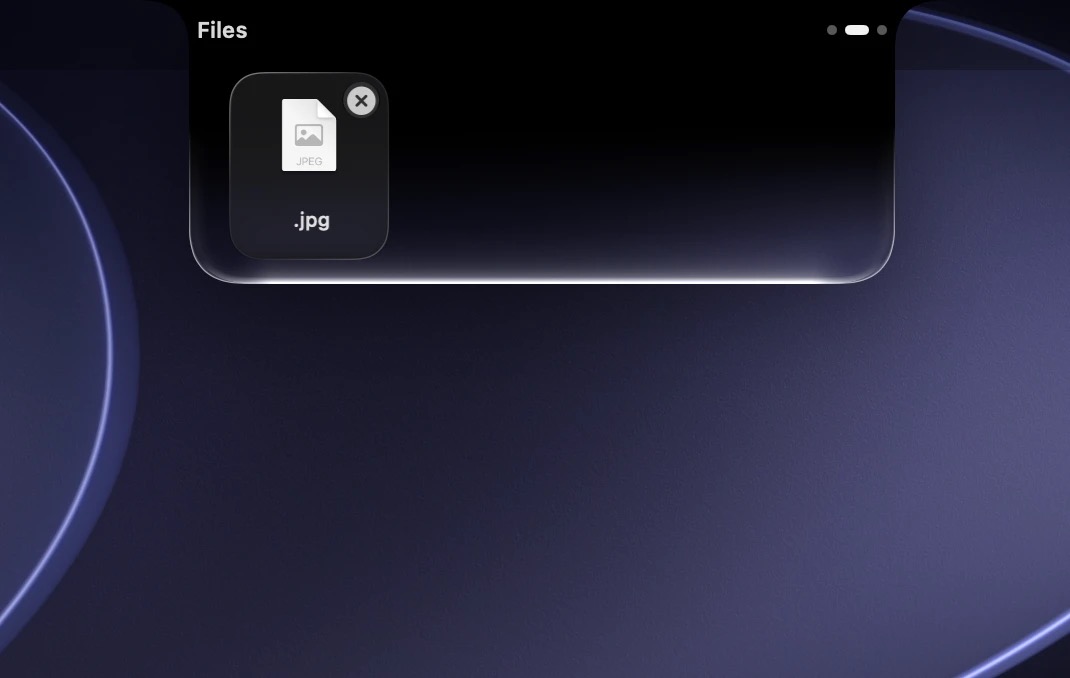
The notch grows to take your files. Keep them for later or AirDrop them in one move. Pro
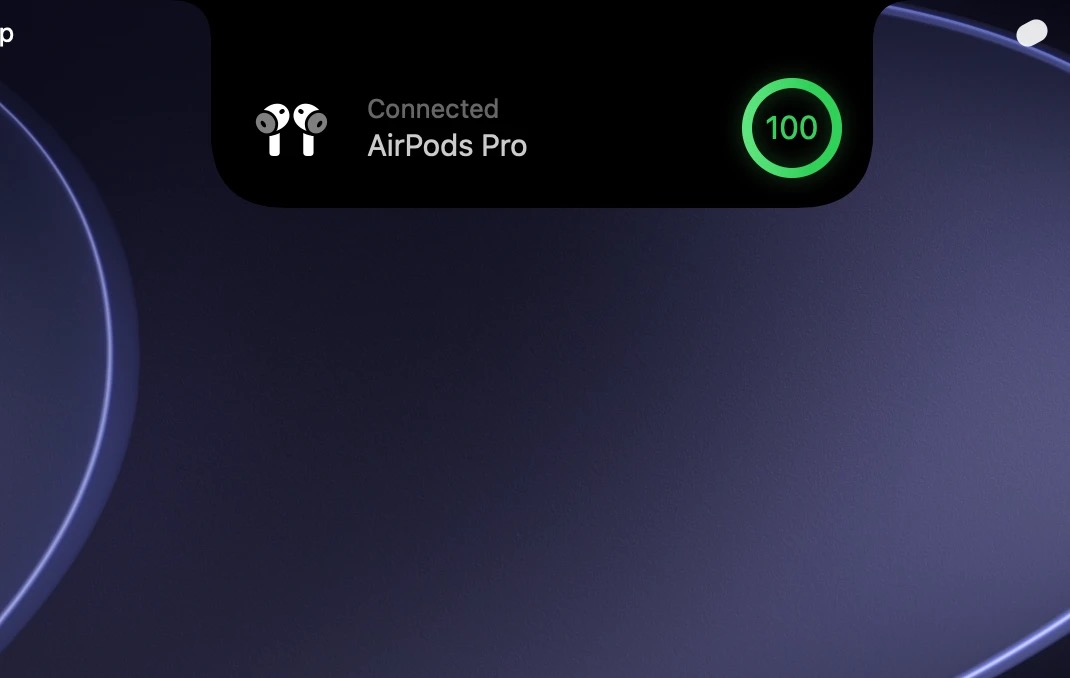
Headphone and accessory battery shows in the notch, with charging state.

Artwork, scrubbing, favorites, output device, volume and an Explicit or Lossless badge.
Volume and brightness show in the notch instead of the middle of your screen.

Drop files on the notch, keep them there, AirDrop them in one move.
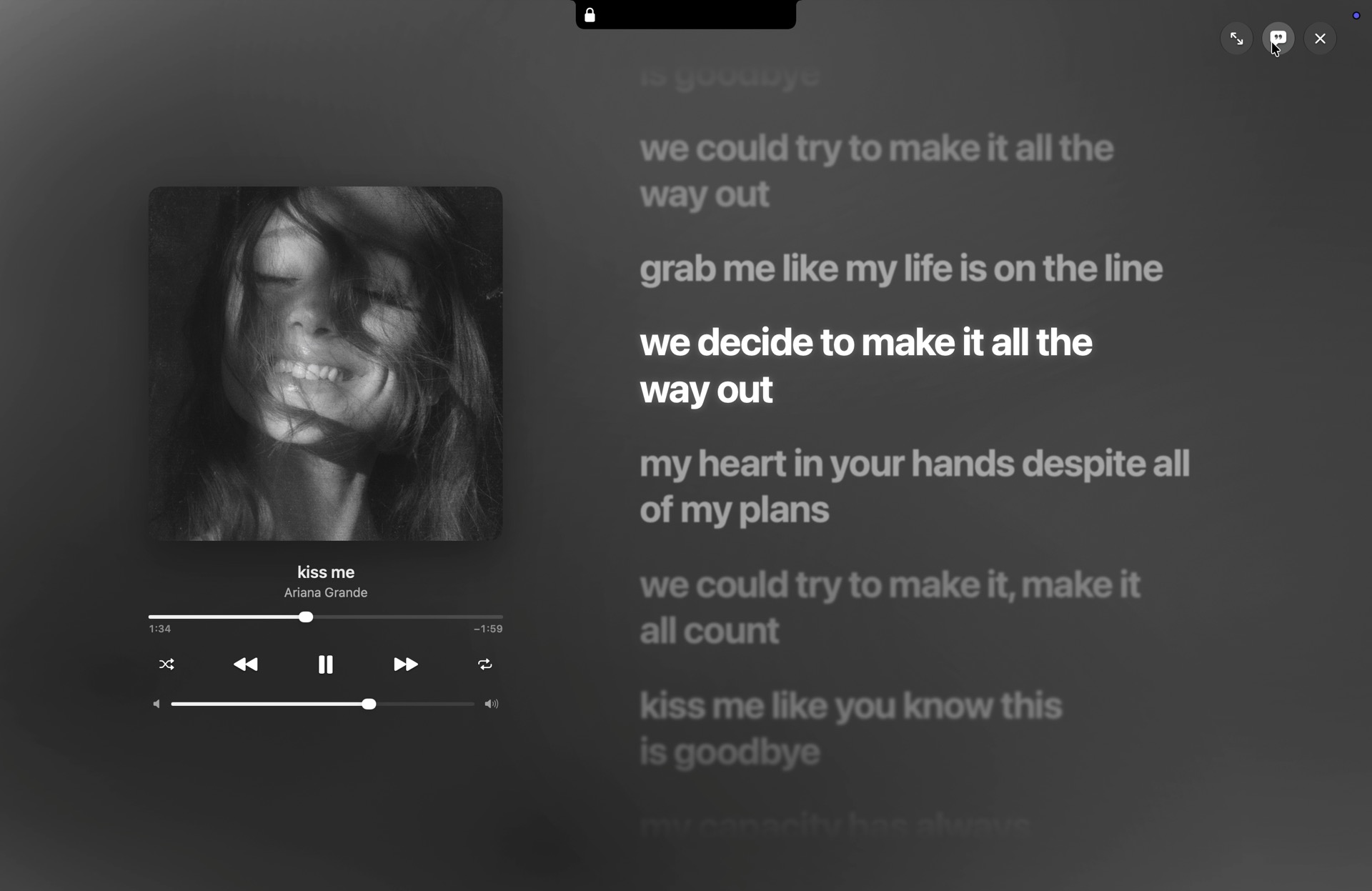
A frosted-glass player with lyrics while your Mac is locked.
AirPods and accessory battery, charging, low power, Focus, hotspot, VPN and downloads.
What’s playing, battery, your next meeting. Right where your eyes already go.
Move the pointer onto the notch to open it, and away to close it.
Drag a file onto the notch to keep it or send it.
CPU at idle, on one core. Measured on Flowy 1.0.
Memory, steady for the whole session.
Accounts, ads or trackers.
Try Pro free for 14 days in Settings › License.
Get the latest Flowy-1.0.dmg from the Releases page.
Open the .dmg and drag Flowy into your Applications folder.
In System Settings › Privacy & Security, click Open Anyway. You only do this once.
Flowy isn’t notarized by Apple yet. macOS asks you to confirm it once; after that it opens normally and updates itself.
Only the ones for the features you turn on: Accessibility for the HUD, Bluetooth for accessory battery, Calendar for events, Camera for the mirror. Each is explained before macOS asks.
Yes. In Settings › License, click Deactivate this Mac, then enter your key on the new one. Each key works on 2 Macs at a time.
Yes. Flowy checks your key about once a week and keeps Pro working for 30 days without a connection.
Only the license check with Lemon Squeezy (Pro), update checks and lyrics lookups. If you turn on the Explicit badge, the song title and artist go to Apple’s public music catalog. No accounts, ads or analytics.